Personal finance for Android

Understand your money.Reach your targets.

Know where you are. Get where you want to be. Set a target, and Zemp plans every month around it.

Free to start · No ads · 17 languages

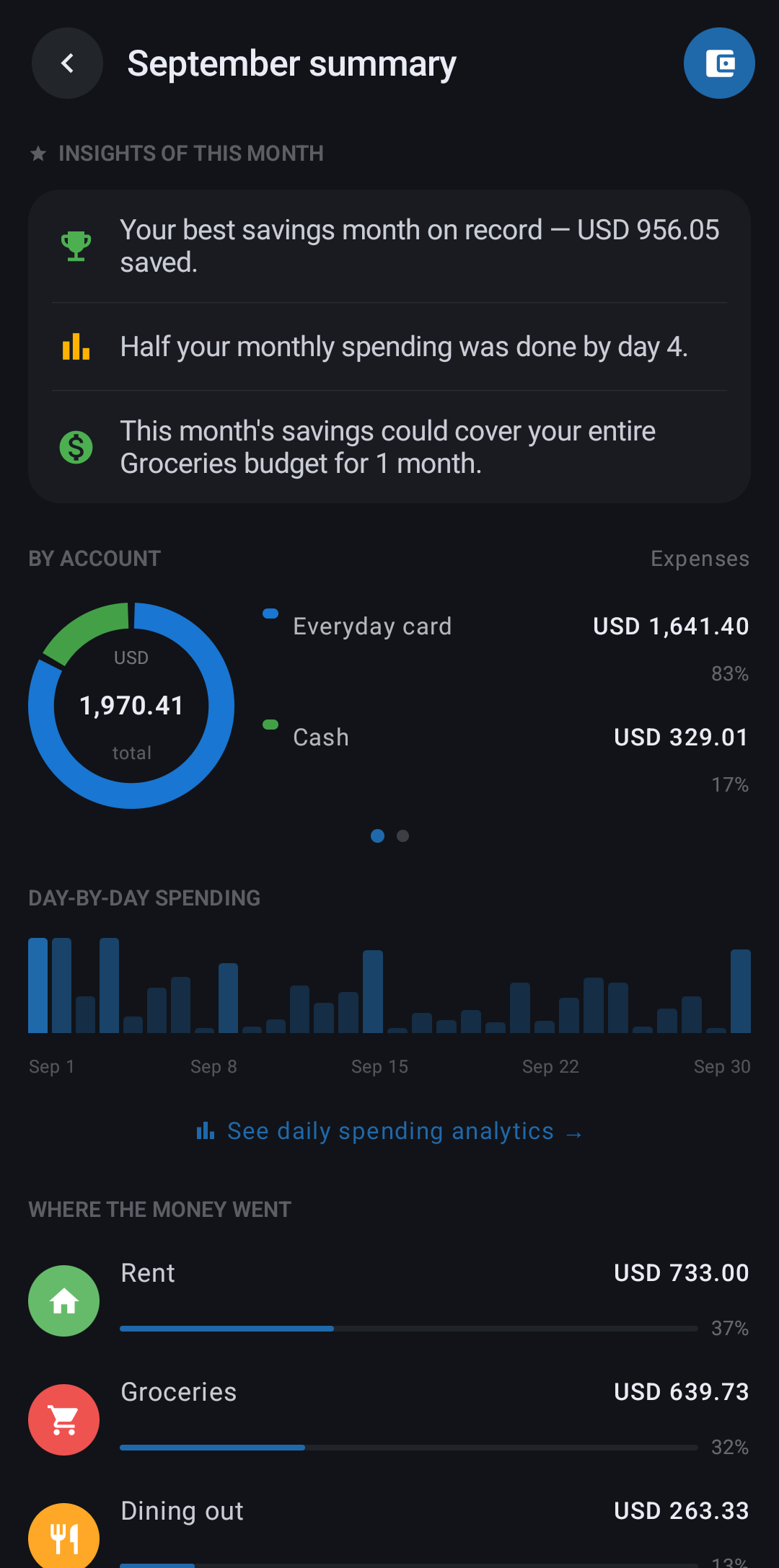
App screen: Month insights
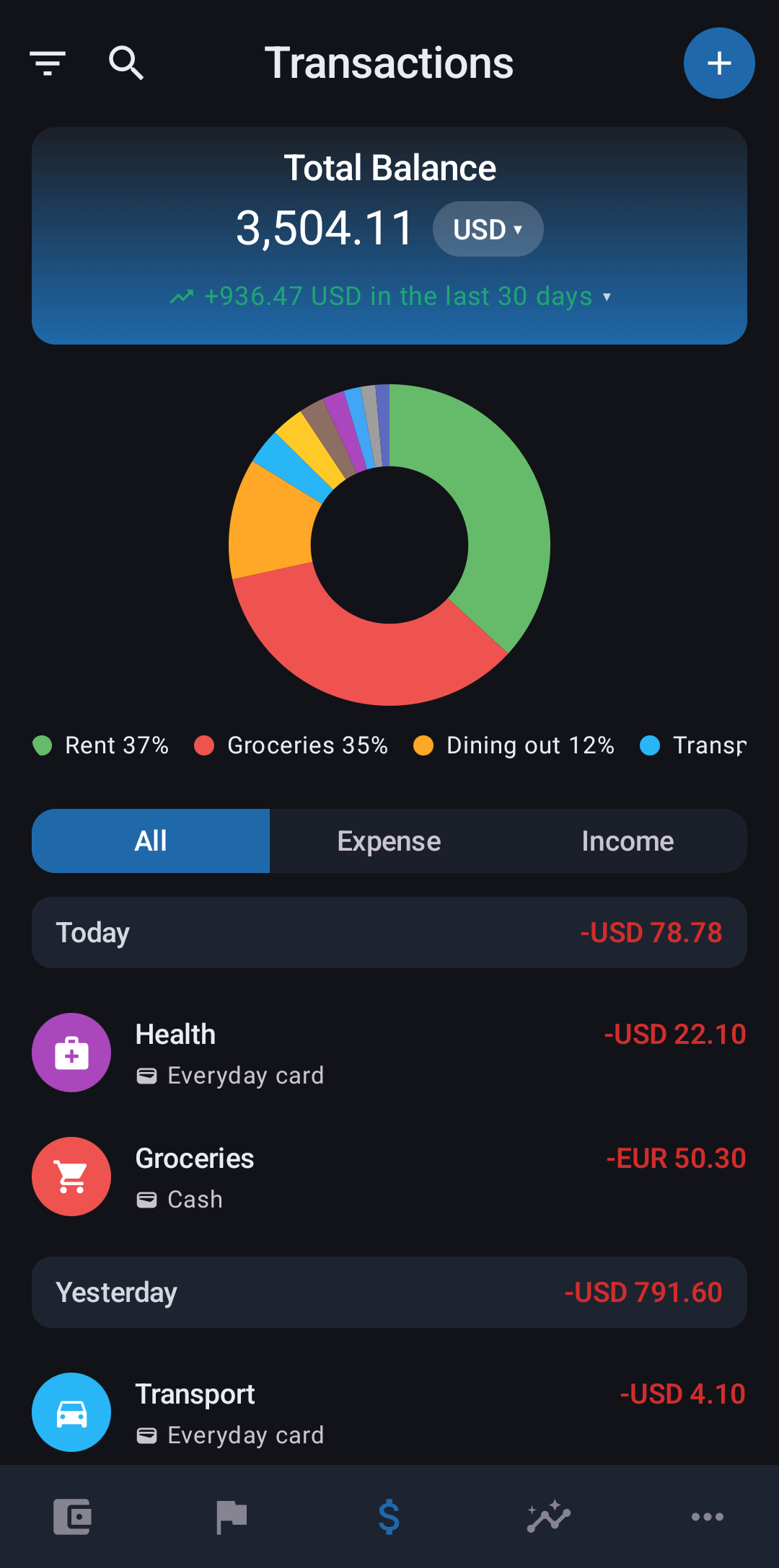
App screen: Home
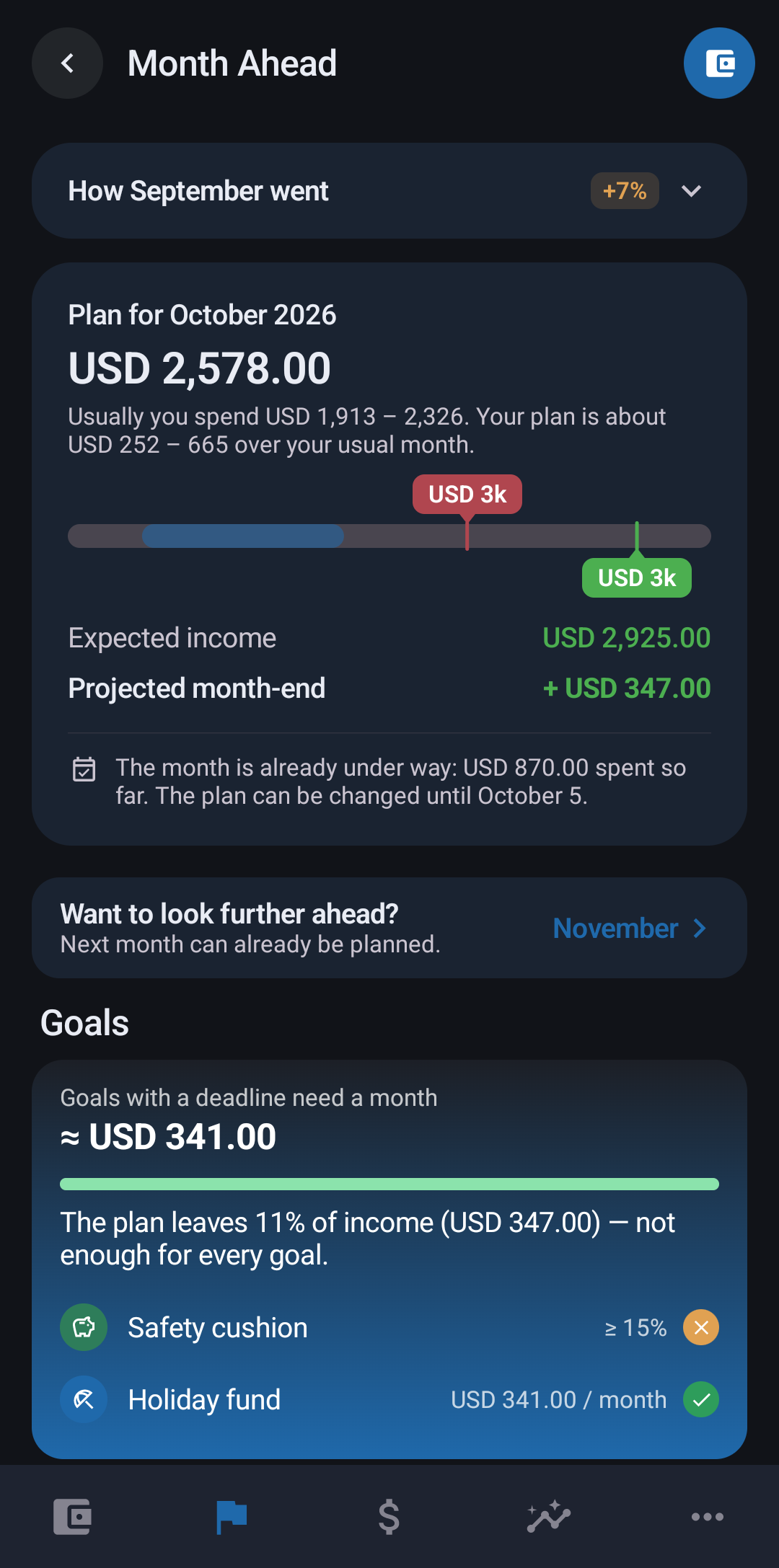
App screen: Month Ahead

How Zemp works

One loop that gets you to your target.

Every month follows the same rhythm. Each turn of the loop brings your target a little closer.

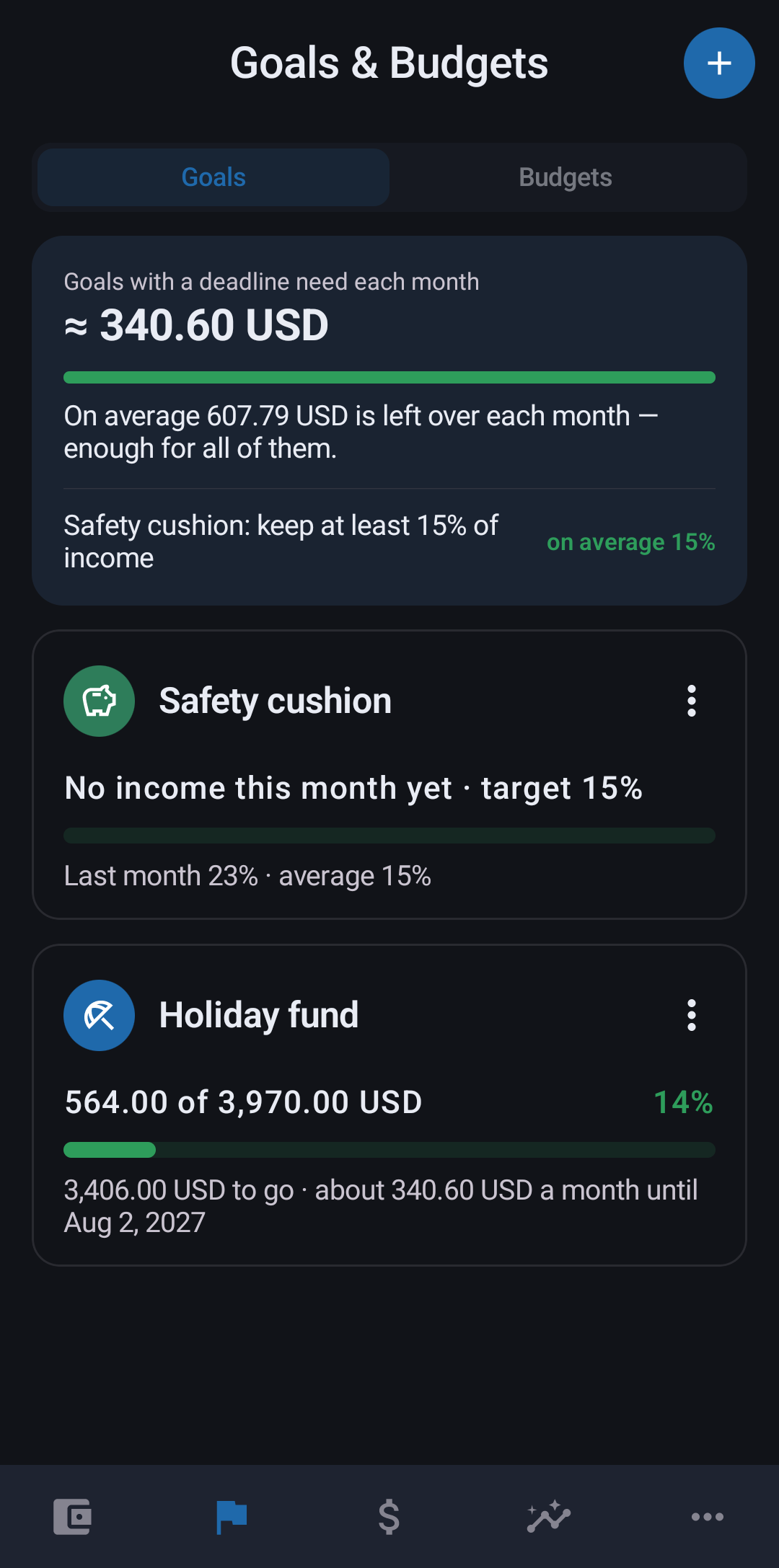
  1. App screen: New goal

    Set a target

    What you are saving for, how much and by when. Zemp works out what it takes each month.

  2. App screen: Month Ahead
    Premium

    Plan the month

    A draft from your income, regular payments and habits, with your target already in it.

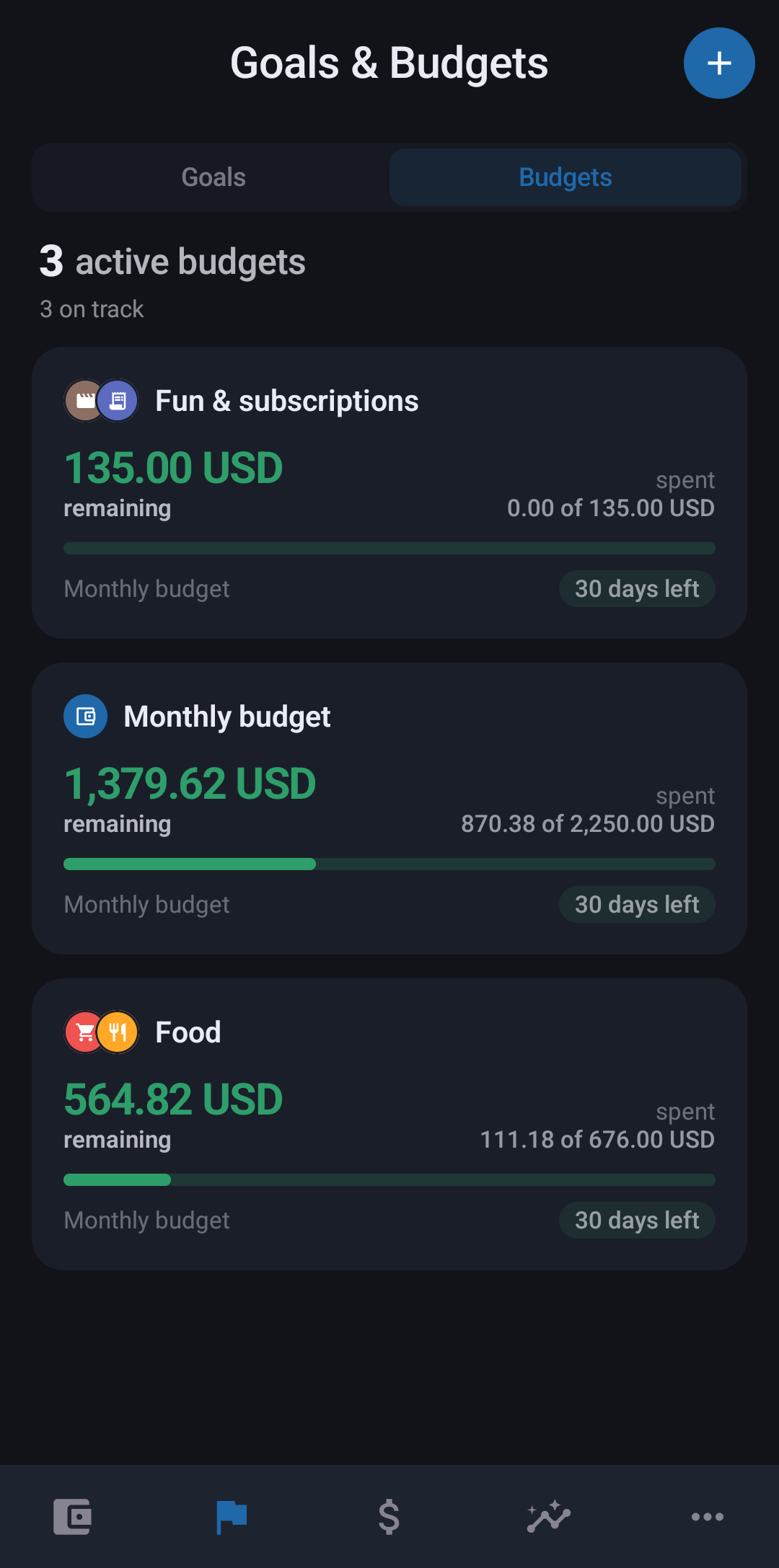
  3. App screen: Budgets

    Budgets set themselves

    Your plan becomes category budgets, so you always see how much is left.

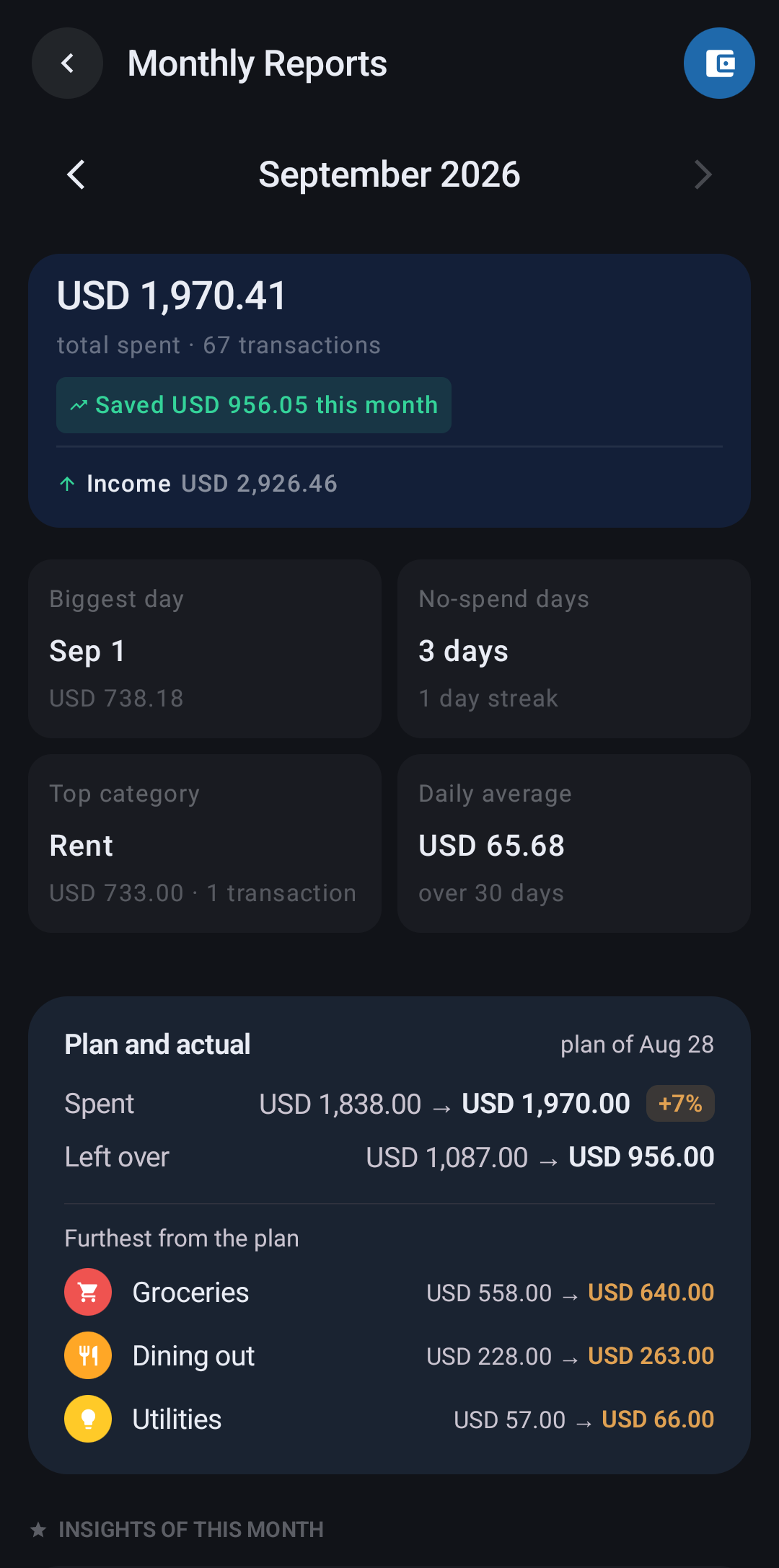
  4. App screen: Monthly summary

    See how far you got

    At month end, see how it went and how much closer you are to your target.

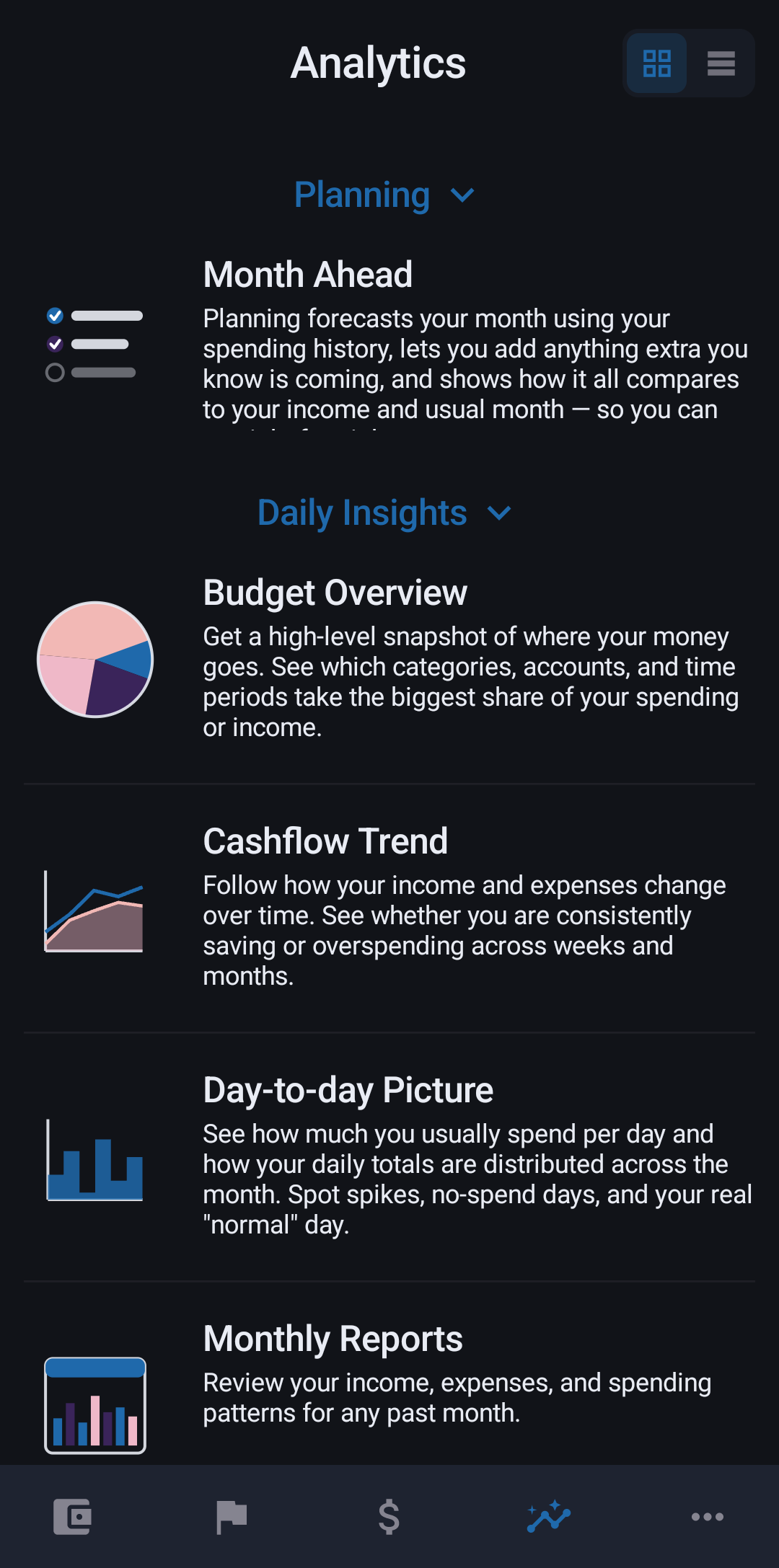
  5. App screen: Analytics
    Premium

    Dig deeper

    Want the why? Analytics breaks spending down by category, tag, account and day.

Then a new month starts, with a better plan.

Switching to Zemp

Bring your history with you.

Already tracking money in another app? Move everything to Zemp in a few minutes and carry on without a gap.

  • Any CSV or Excel file

    Almost every app can export your data as a spreadsheet. Zemp imports it.

  • Nothing gets lost

    Transactions, accounts with balances, categories, tags and notes all come across.

  • Free for everyone

    Importing is part of the free version. No Premium needed.

Shared accounts

Share an account, not your whole budget.

Most apps share everything or nothing. In Zemp each account is shared separately, with exactly the people you choose.

  • Household card

    Groceries, bills, the everyday

    You and your partner
  • Rent account

    Split with whoever you live with

    You and your flatmate
  • Personal savings

    Yours, and stays that way

    Only you

How sharing works

  1. Invite by email

    Turn on sharing for one account and enter their email. They accept or decline.

  2. Both of you keep it up to date

    Either of you can add, edit or delete transactions. Changes sync to both phones.

  3. Counts for both of you

    Shared spending shows up in each person’s analytics. Your other accounts stay private.

  4. Stop sharing anytime

    Turn sharing off and the account disappears from the other person’s phone.

PremiumShared accounts are part of Premium. Only the owner pays; the people you invite join for free.

Also in Zemp

Everything else you’d expect, done properly.

  • Fast, secure sync

    Your data syncs quickly and securely through Google services.

  • On any Android device

    Sign in on a new phone or tablet and everything is already there.

  • Multi-currency, crypto included

    Keep accounts and transactions in different currencies, including crypto.

  • Live exchange rates

    Rates update in real time, so your totals are always current.

  • Make it yours

    Categories, icons, colours and app themes. Set Zemp up the way you think.

  • Home-screen widgets

    Handy widgets in different sizes, so a glance is enough.

17 languages · dozens of currencies

Feels native, wherever you are.

EnglishDeutschΕλληνικάEspañolFrançaisहिन्दीBahasa IndonesiaItaliano日本語한국어NederlandsPolskiPortuguêsPortuguês (Brasil)РусскийSrpskiTürkçe

Our promise

No ads. Not now, not ever.

Zemp is paid for by people who choose Premium, not by advertisers. That will not change.

  • No ads in the free version

    Not a banner, not a video, not a “sponsored” tip. Free means clean too.

  • The essentials are free forever

    Multi-currency accounts, budgets, basic analytics, sync and widgets. No subscription needed.

  • Premium is a choice

    Upgrade for planning and deeper insight, never to make the app usable.

Pricing

Start free. Upgrade when you need more.

No card needed to start, and no ads on any plan. Cancel Premium anytime in Google Play.

Free

0 USDforever

No time limit, no card needed

A complete app for everyday money:

  • Multi-currency accounts, crypto included, and recurring payments
  • Budgets and goals (a limited number)
  • Basic analytics
  • Sync across your Android devices
  • Home-screen widgets
  • No ads, ever

Premium

Monthly

3.99 USD/ month

Everything in Free, plus:

  • Month Ahead: a monthly plan built from your income, payments and habits
  • Full Analytics by category, tag, account and day
  • Shared accounts, free for the people you invite
  • Unlimited budgets and goals
  • Advanced customisation

Prices in USD. Google Play shows the price in your local currency and may add local taxes.

Questions

Where is my data stored?
On your phone first. If you sign in, Zemp syncs it to your account so you can share accounts and restore your data on a new device.
Can I lock the app?
Yes. Protect Zemp with a passcode or your fingerprint.
Is there an iPhone version?
Not yet. Zemp is Android only for now, but our team is working on an iPhone version. As soon as we know the release date, we’ll let you know.
How do I delete my account?
In the app under [path in app], or follow the steps on our account deletion page.
Will Zemp ever show ads?
No. There are no ads in Zemp, including the free version, and there never will be.
Can I use Zemp on more than one device?
Yes. Sign in on any Android phone or tablet and your data syncs across them.